

- First Name
- Zeke
- Joined
- Aug 14, 2025
- Threads
- 16
- Messages
- 150
- Reaction score
- 213
- Location
- Walnut Creek, Ca
- Website
- www.zekesview.com
- Vehicle(s)
- 2025 Toyota Tacoma TDR Pro
- Thread starter
- #1
Quick note before the details: This is just my experience, not a sales pitch. I won the PedalMonster and @Banks Power sent the iDash Pro (full disclosure below). No affiliate links, no discount code. I am sharing this because it genuinely changed how my truck drives, and I welcome comments and questions.
TLDR: My Tacoma felt lazy under the weight of the SmartCap, tent, armor, and gear. The PedalMonster gave it back. No horsepower added, install took about an hour, and my daily setting is Mid-Range level 4. Full write-up linked at the bottom.
What they do:
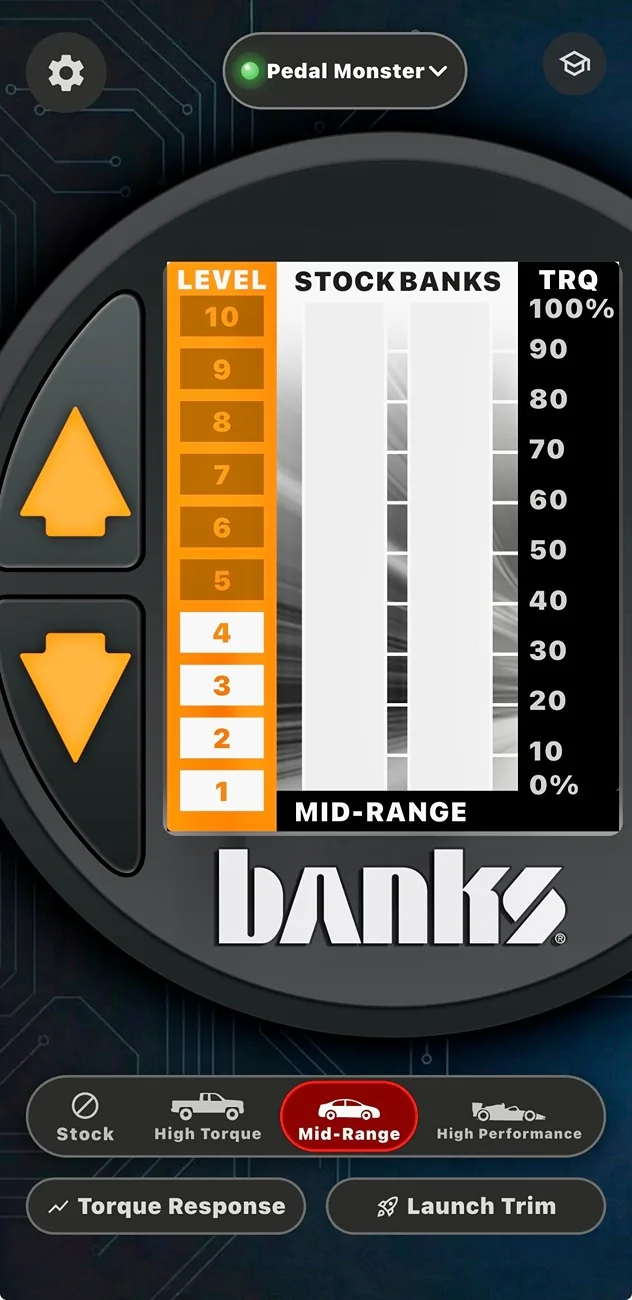
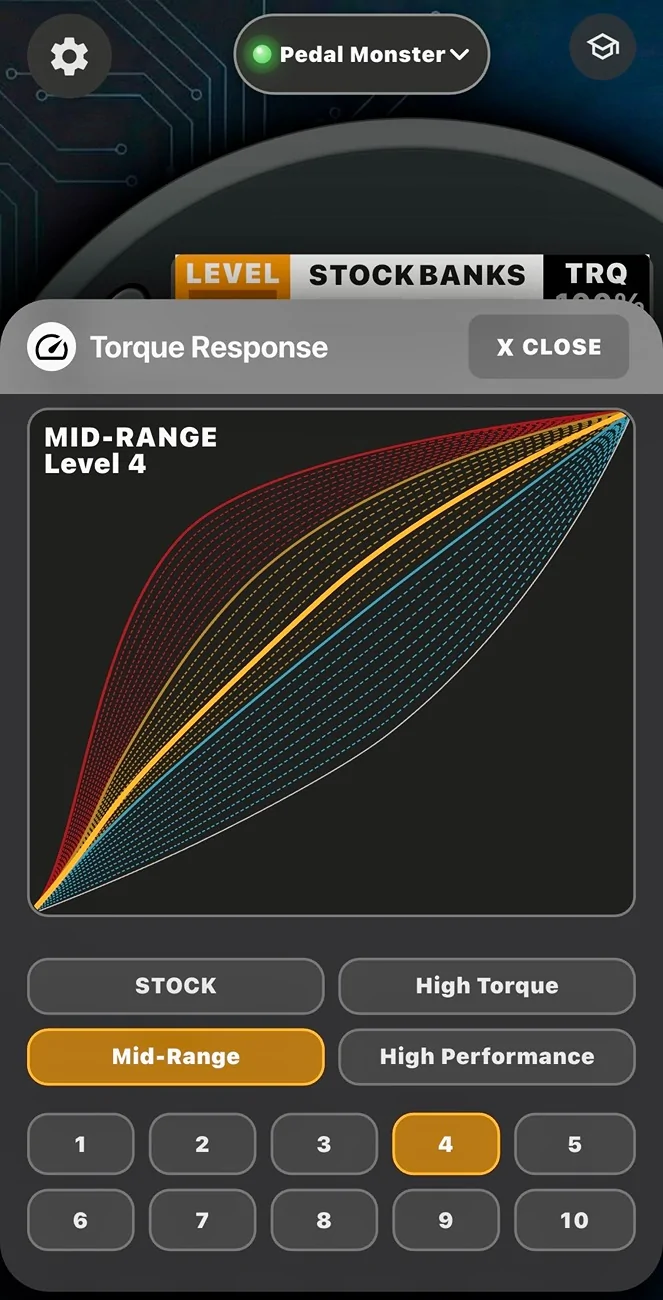
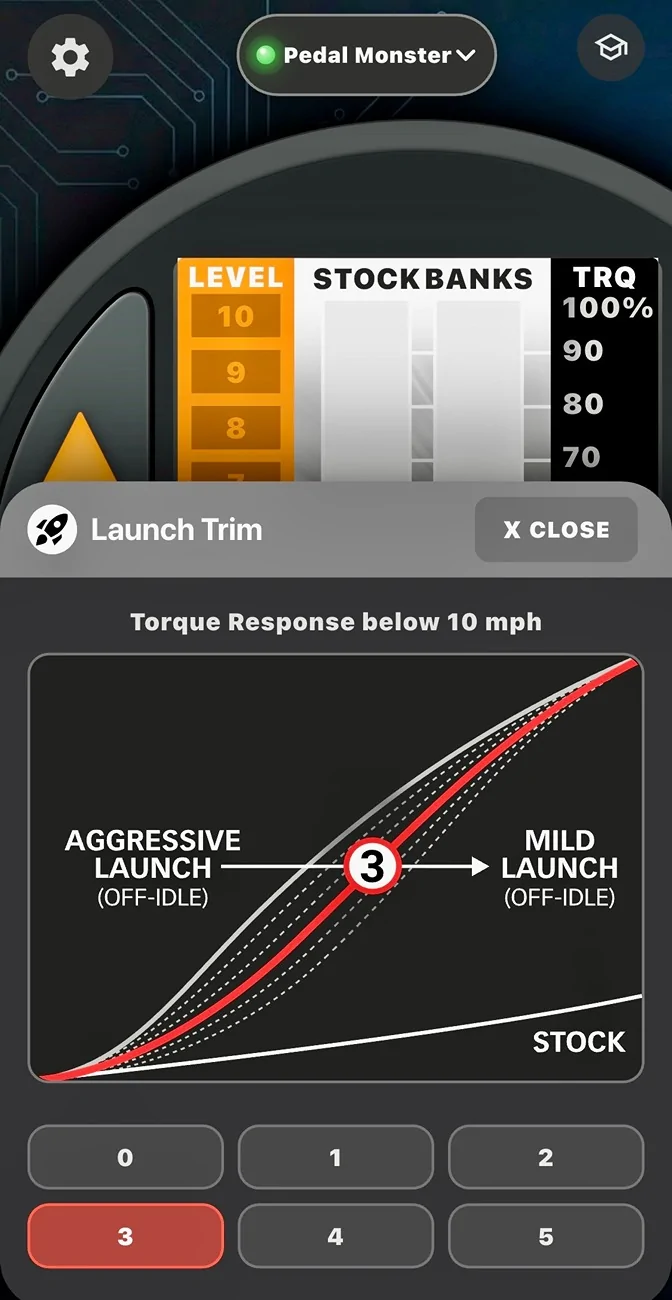
The PedalMonster is a throttle sensitivity controller. It plugs in line with the pedal harness and remaps how pedal travel translates to throttle, so you can tune out the dead spot. Four profiles in the app (Stock, High Torque, Mid-Range, High Performance) with 10 levels each. It connects to OBD-II for power, speed, and gear, and it has a failsafe that reverts to stock throttle if anything faults. Reverse Safety returns the pedal to stock in reverse, and Launch Trim softens sensitivity below 10 mph so parking lots and trails don't get twitchy. It does not add horsepower. It just works with what you currently have.
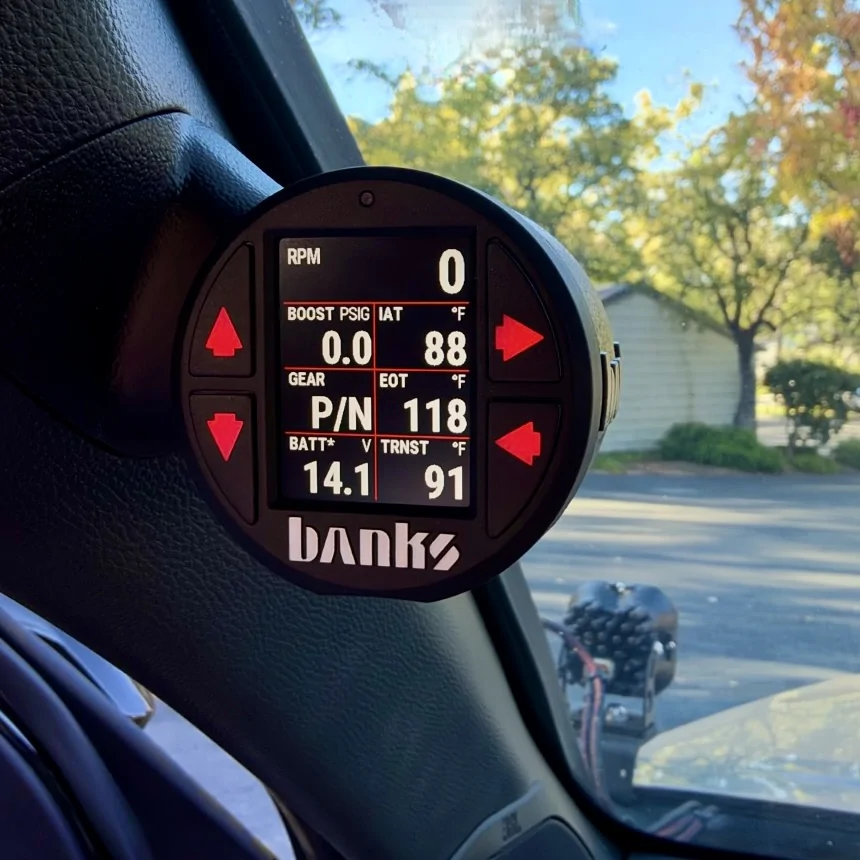
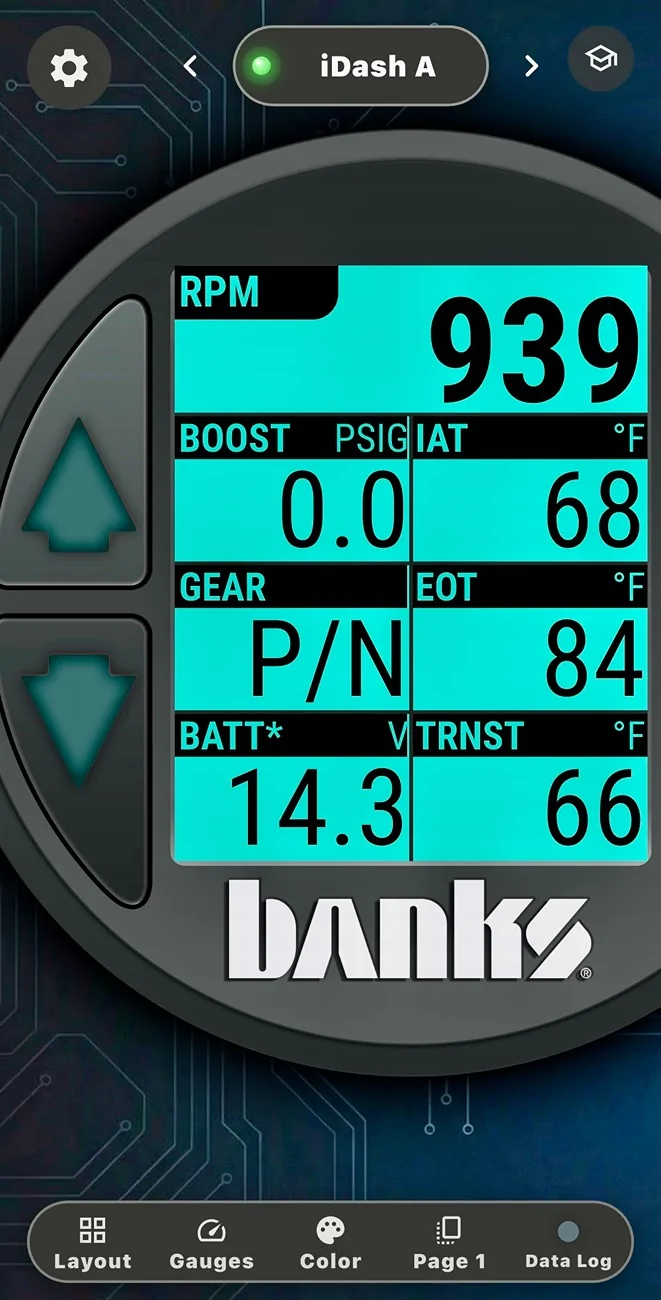
The iDash Pro is a 52mm gauge that reads the truck’s data directly and doubles as the PedalMonster controller. Five screens, up to 8 values each, 300+ parameters. My page 1 watches RPM, boost, intake temp, gear, oil temp, battery volts, and trans temp. That last one matters to me: I’ve read and heard plenty about the 4th gen running its trans hot in 4Hi. I haven’t experienced it myself since I’m in 4Lo more often, but I also had no way to see trans temp when I did run 4Hi. Now I will.
Install:
About an hour, easiest install on the truck so far. PedalMonster plugs in at the pedal, harness runs to OBD-II. The iDash lives in a Stealth Pod on the driver's A-pillar. That part takes a little commitment: you pull the trim and drill one small hole for the cables. It is the only mark in the whole install, it hides behind the pod, no wiring is cut, and everything unplugs if you ever want it out.
First 200 miles:
Early report, not a final verdict. Towing, trails, and long drives are still ahead of me, and a follow-up post will close the loop.
The headline: the truck drives like the day I brought it home, before the build. Daily setting is Mid-Range level 4 with Launch Trim at 3, dead spot gone without feeling jumpy. So far I’ve been impressed, and every drive I’m looking for something to refine or a gap to call out. If you’re running one, I’d like to hear your settings.
Disclosure: I won the PedalMonster in a forum giveaway. Banks later sent the iDash Pro and the other products that will show up in this series. Banks has not reviewed this or asked for an opinion. These are my words.
Links:
Full write-up with photos here: https://www.zekesview.com/nomatic-notes/banks-pedalmonster-idash-pro-first-200-miles
PedalMonster: https://bankspower.com/collections/throttle-controllers?view=detail-plp
iDash Pro: https://bankspower.com/products/banks-idash-pro-data-pro-digital-datalogger
cc:
@Banks Power
Sponsored
Last edited:

 Good info, thanks for putting it together. I think the OTT fixed most of what you're describing for me in terms of performance & feel, but the iDash Pro looks intriguing for exactly what you described... transmission temps while offroad.


 hard to really explain the difference it makes until you feel it.