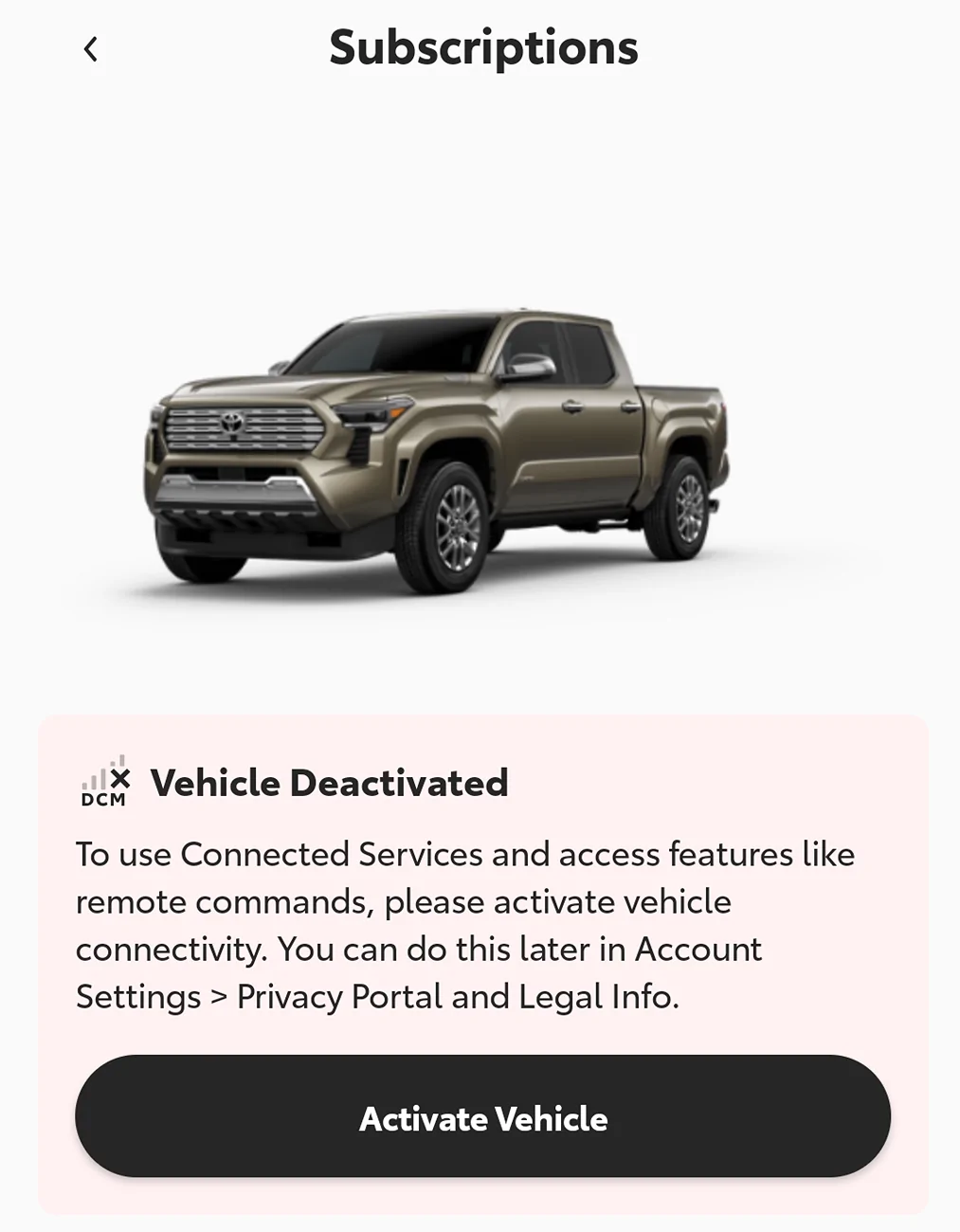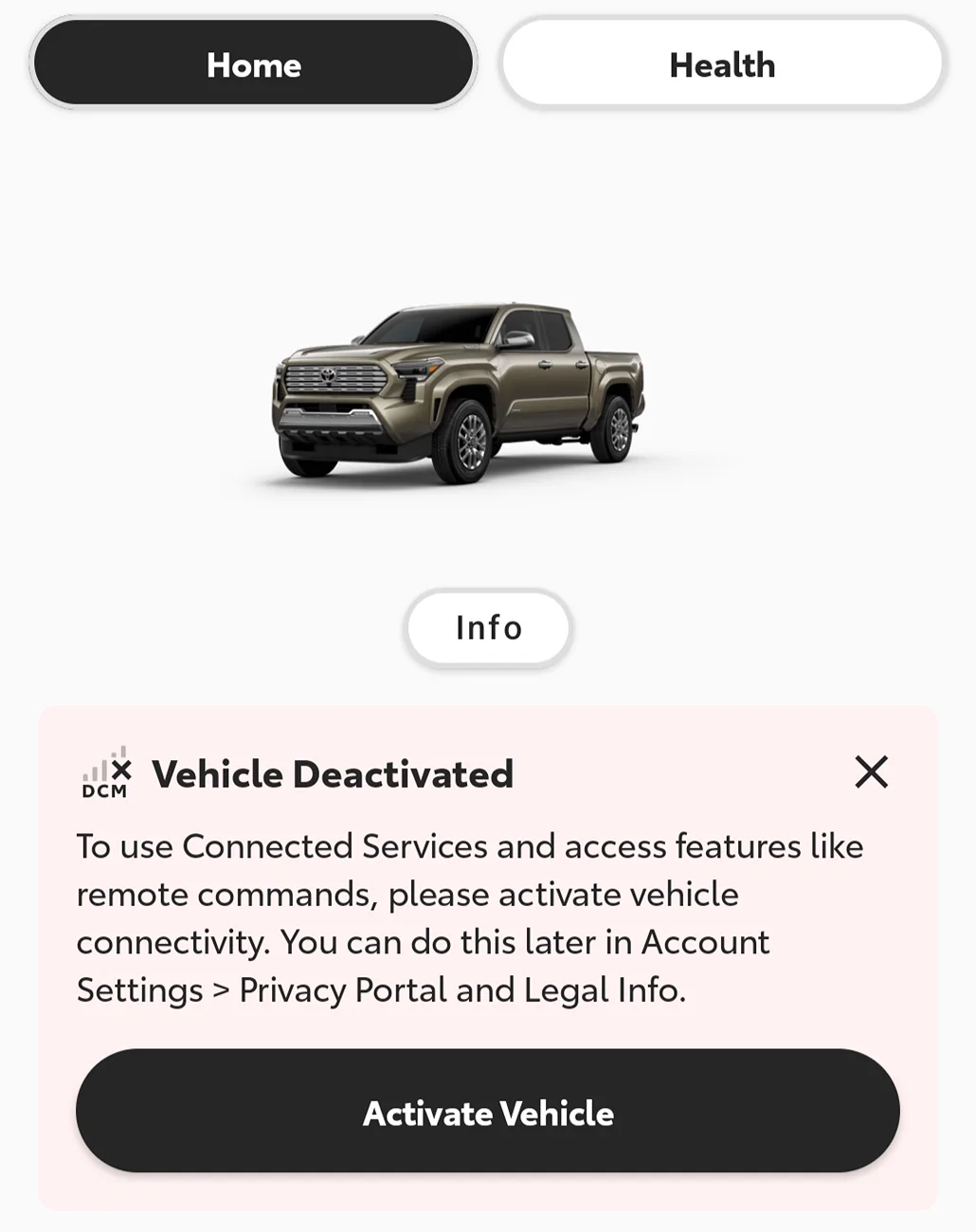

Wow, that is amazing news! Thank you for taking the time to troubleshoot and test with me (as well as everyone else who tried as well); now we know more information about how to fix this issue and that the solution is reproducible and not a one off. I can confirm that the fix is still working for me, and I even messed with some of the options for other widgets (MPG, turbo gauge etc) and that did not effect the TPMS widget. It was quite the troubleshooting process but if my research / testing could help just one other person with this annoying issue it was well worth it. I'm hoping this thread helps anyone else searching up this issue; I wish Toyota would spread this information to their techs in a TSB. They seem just as lost as we were. I'm glad this community was able to come up with a fix when Toyota itself couldn't (or more likely couldn't be bothered).It's working now! Thank you for all the support and information, @stuckinsocal! I think the key was the infotainment reset. Here's the order that worked for me:
1. Removed primary profile in infotainment system and in the app
2. Set up connected services in app
3. Reconnected to the infotainment system (tire pressure display did not work at this point)
4. Reset the infotainment system
5. Set the screens like I wanted them, including the tire pressure screen on the second page right hand display
Reconnected my phone with Bluetooth
6. Selected the primary user again and activated it with my 6 digit pin
7. Turned off the truck for a few hours
8. Turned the truck back on and it stuck!
Note that I did this all while the truck was in park and running fully.
Also I have noticed that, if I shift out of park before the infotainment system connects, the tire pressure monitor screen goes away. Maybe that's part of the issue. Anyone else seen that?
Sponsored
Last edited: